
Byte-stable
Repeated runs are byte-identical when the input bytes, options, Kurviq version, and platform are unchanged. Cache and review generated assets with confidence.
PNG → SVG for Node.js
Kurviq traces PNGs and JPEGs into clean SVG. WebAssembly engine, zero runtime dependencies, byte-identical output for the same input and options — every run, every platform.
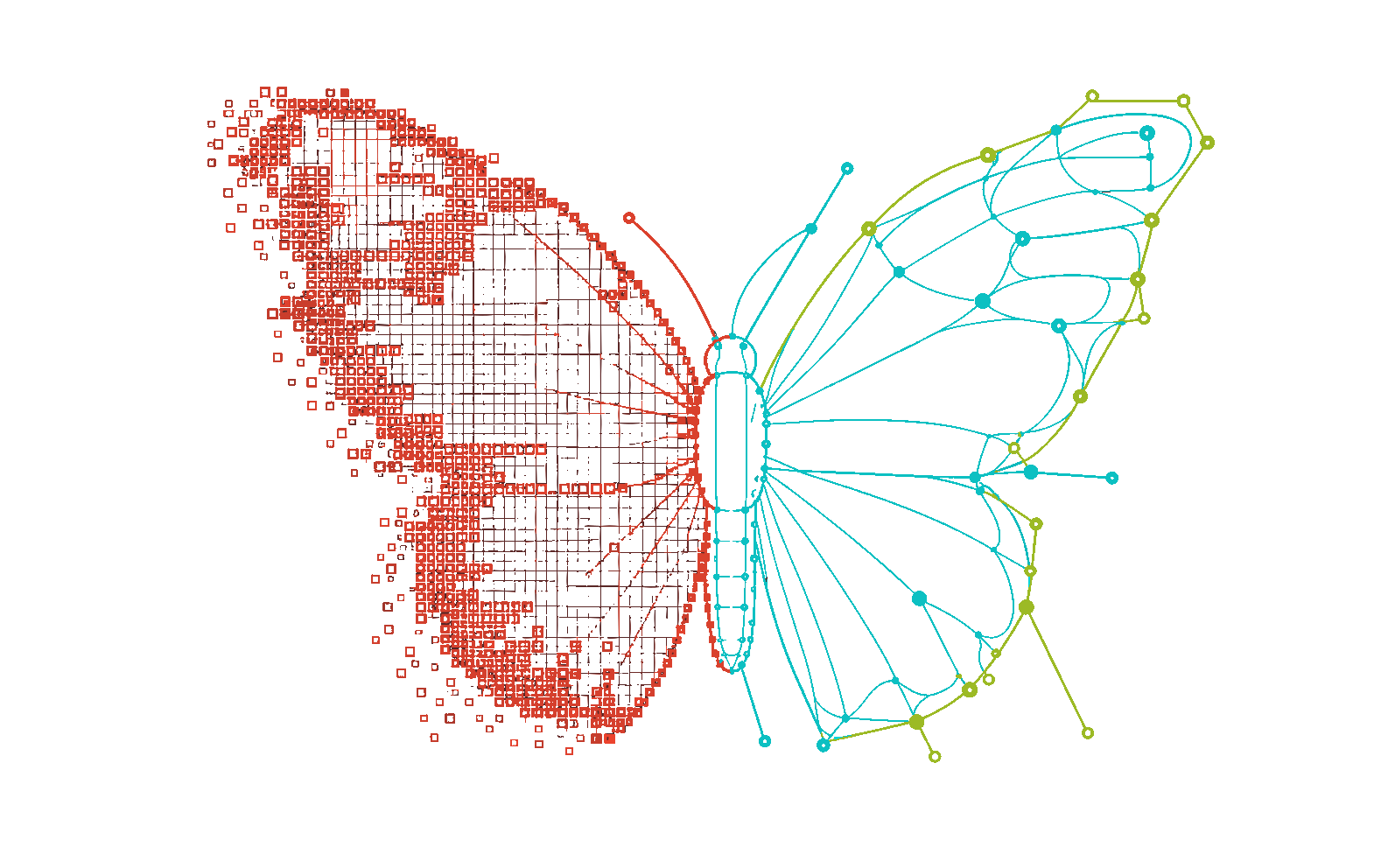
npx kurviq --input in.png --output out.svgLive in your browser
Drop in a PNG or JPEG, choose a recipe, and Kurviq returns an SVG without uploading your image anywhere.
SVG outputYour traced result will appear here.
Select an image to begin.
Images never leave your browser.
Why Kurviq
Repeatable, scriptable, cacheable — the same bytes on every run.
Repeated runs are byte-identical when the input bytes, options, Kurviq version, and platform are unchanged. Cache and review generated assets with confidence.
The vector engine ships with the package. There is no separate native executable to install and no runtime dependency tree to pull into production.

Use the command line in asset scripts, or call the synchronous CommonJS API with a Buffer or Uint8Array. The same options apply in both surfaces.
Capabilities
Start with defaults, then add one deliberate correction for the source you actually have.
--upscale 2 
Use --upscale 2 for small labels and fine edges. Kurviq expands the working pixels while preserving the original SVG display size.
--remove-background auto 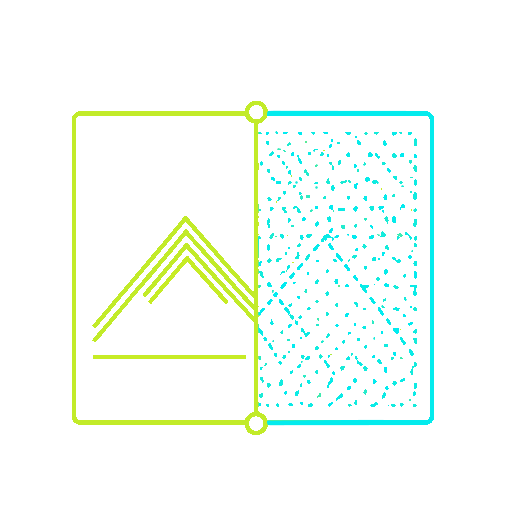
Border-connected removal handles uniform cells and attached neutral shadows, with channel protection for narrow gaps and near-white artwork.
--alpha-mode auto 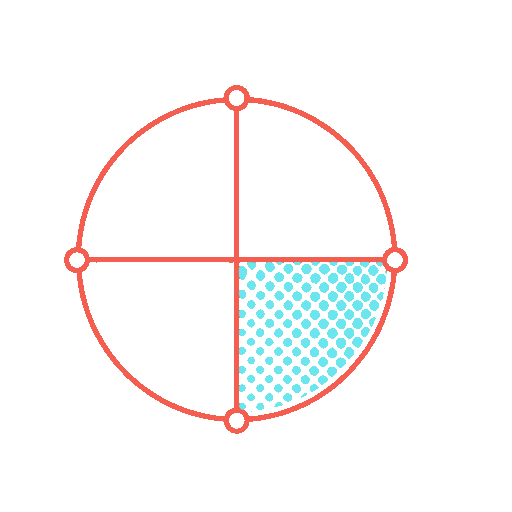
Auto mode detects meaningful partial transparency, resizes alpha-aware, and thresholds the result without letting hidden RGB bleed into the trace.
--sharpen 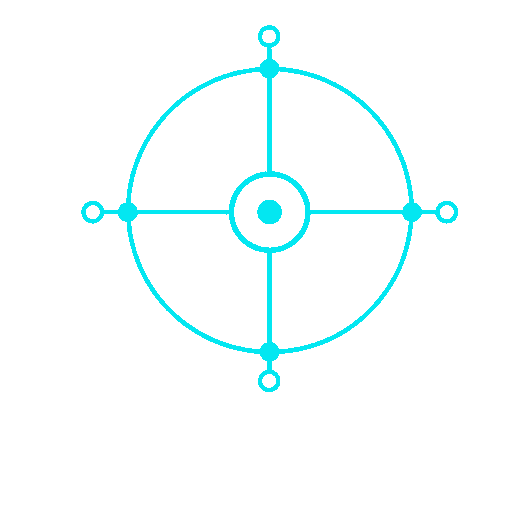
Recover a compact palette from blurry icons before vectorization. The bare flag uses at most 12 colors and stays deterministic.
--mode spline 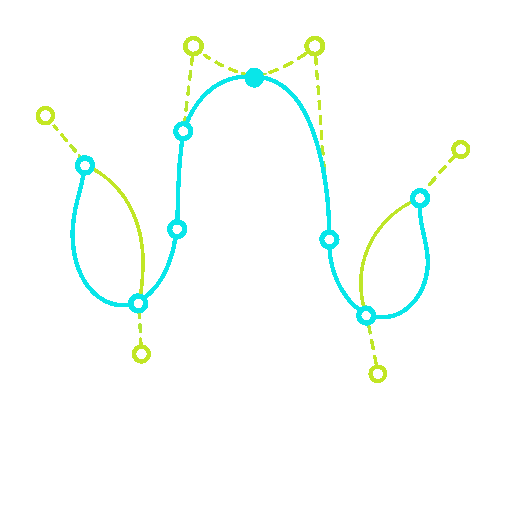
A tested spline recipe keeps rounded icon contours smooth without over-segmenting every anti-aliased edge.
--gradient_step 8 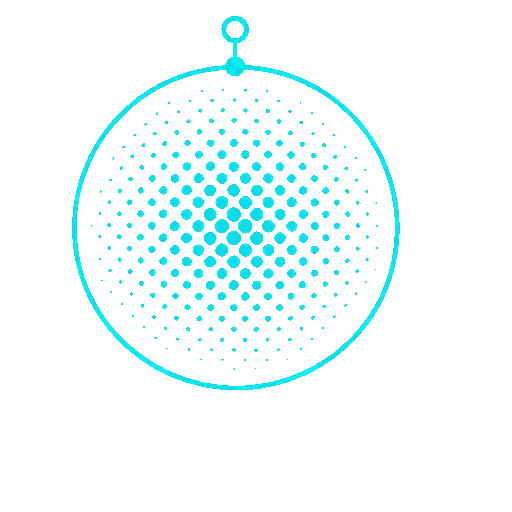
Smaller gradient steps and full color precision retain soft shading when visual fidelity matters more than the smallest possible SVG.
Real outputs
These are real Kurviq traces, including small icons and a full infographic. File sizes are the source files shown.
Illustrations traced by Kurviq itself.
See all seven examples →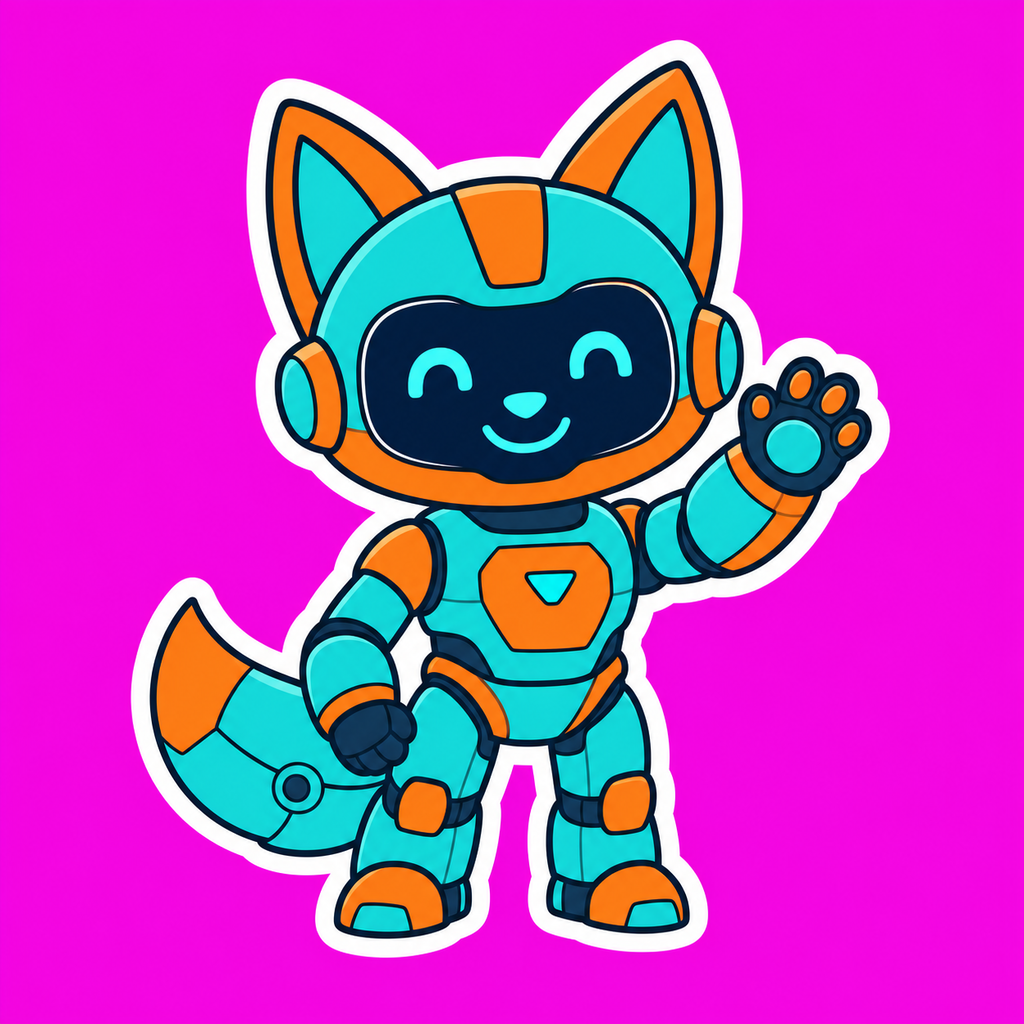
 SVG PNG
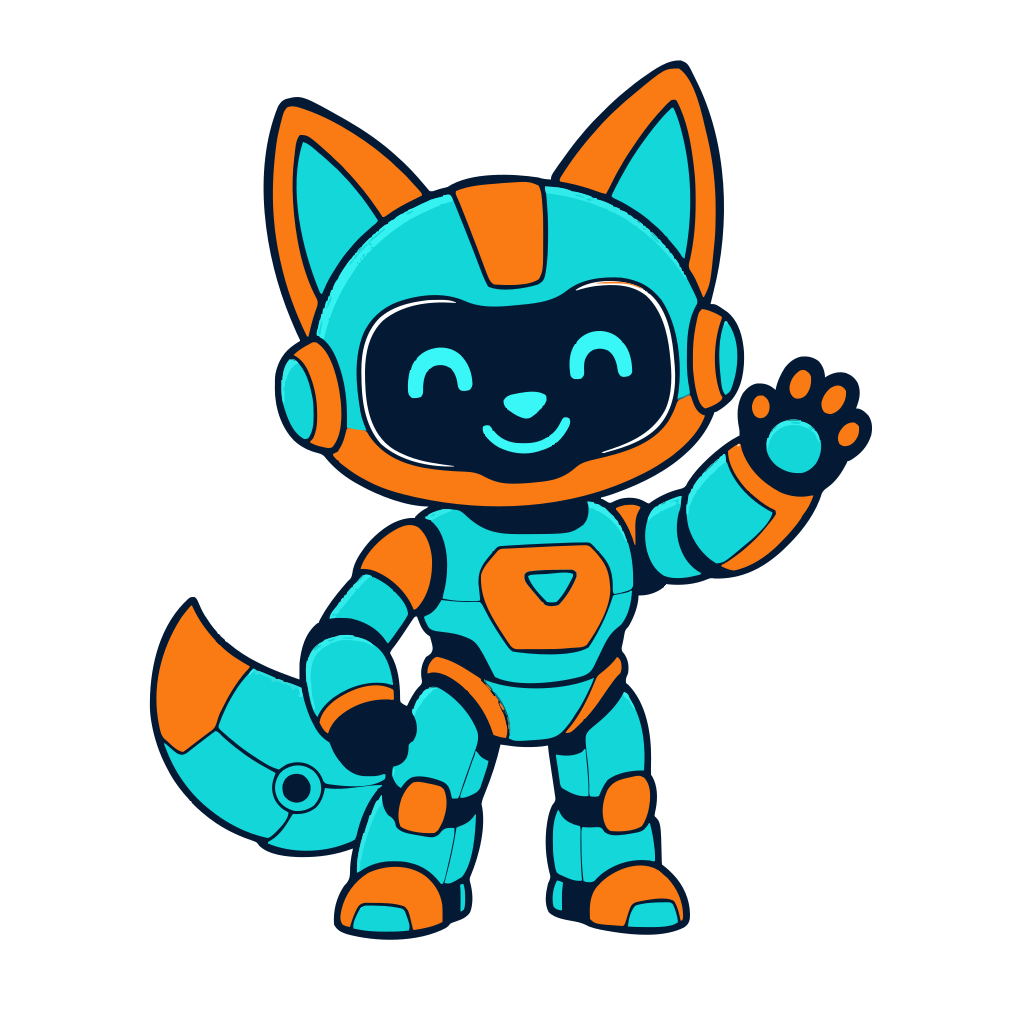
 A die-cut mascot lifted from a magenta chroma card: bold outlines, small details, and the white keyline survive.
 SVG PNG
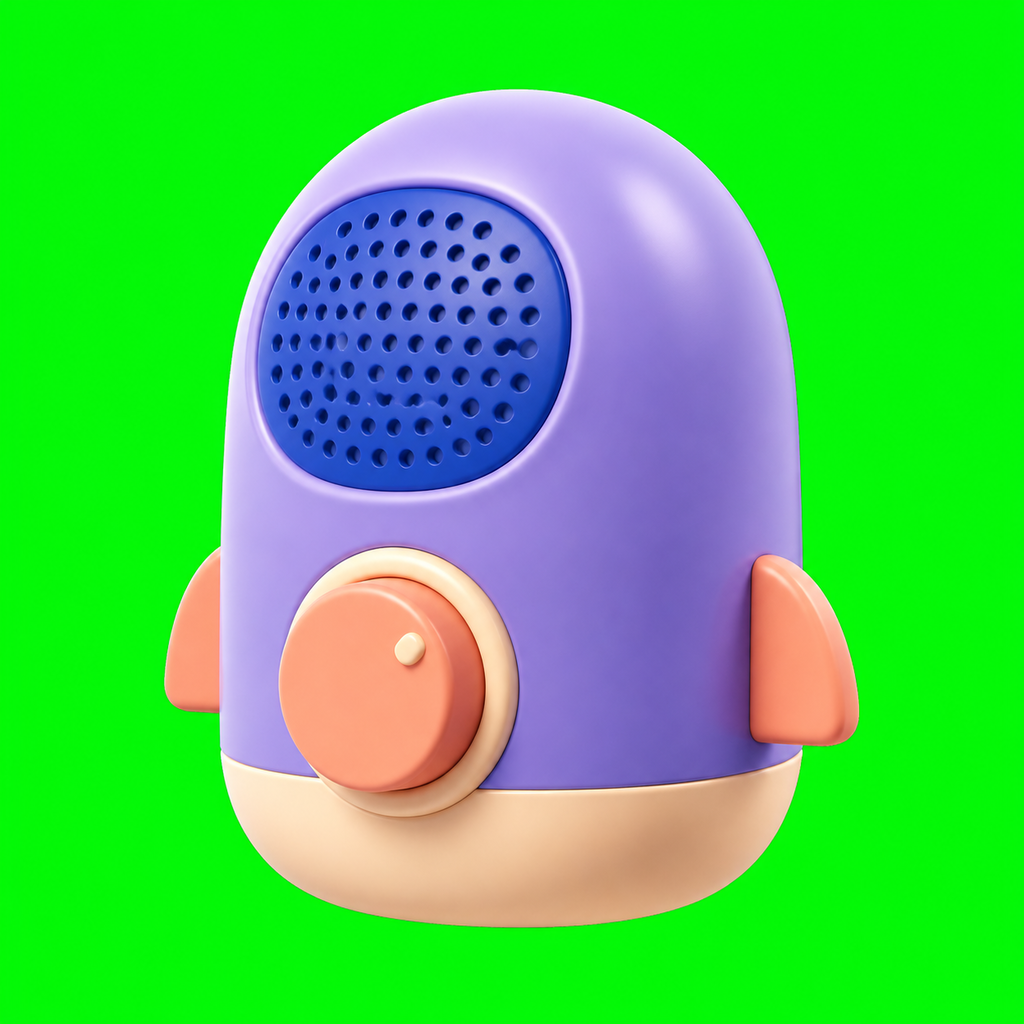
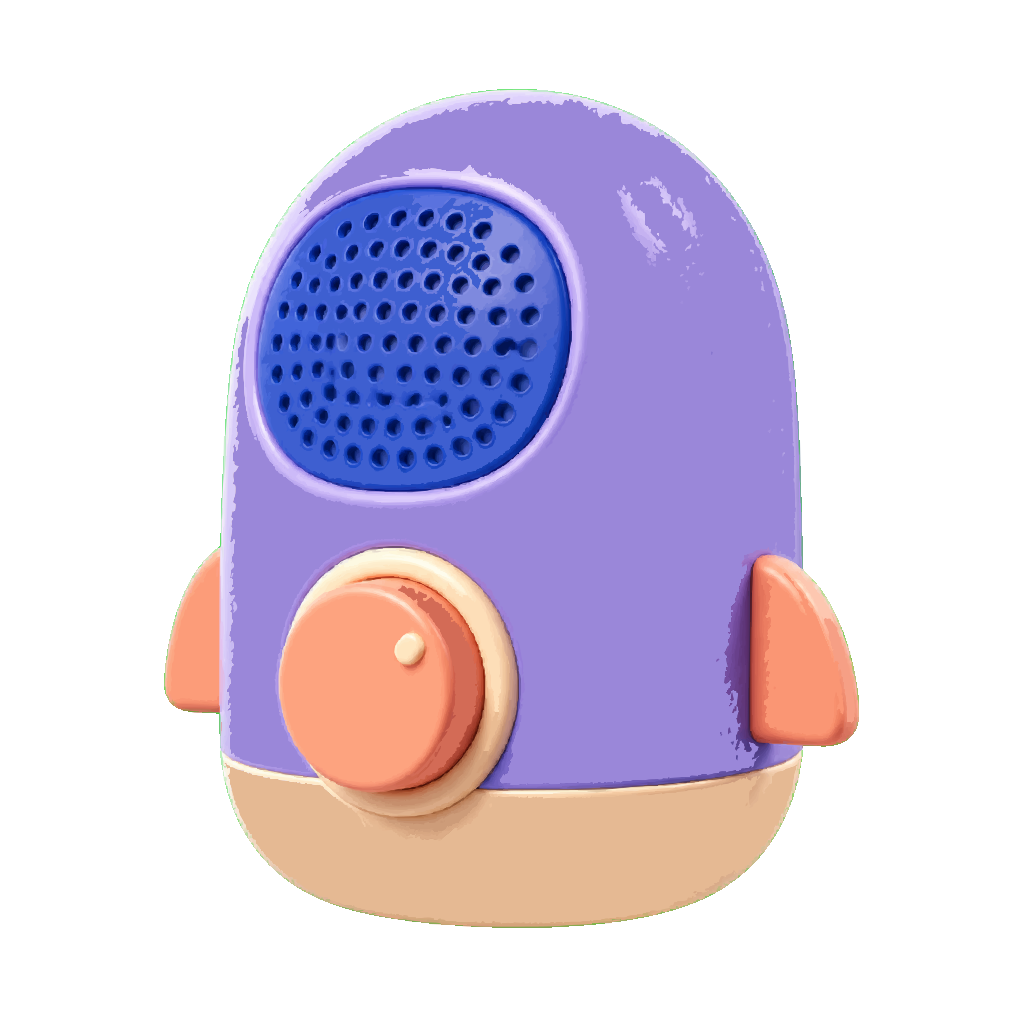
 A softly modeled 3D object: gradient-aware tracing keeps volume and highlights while the green screen disappears.
 SVG PNG
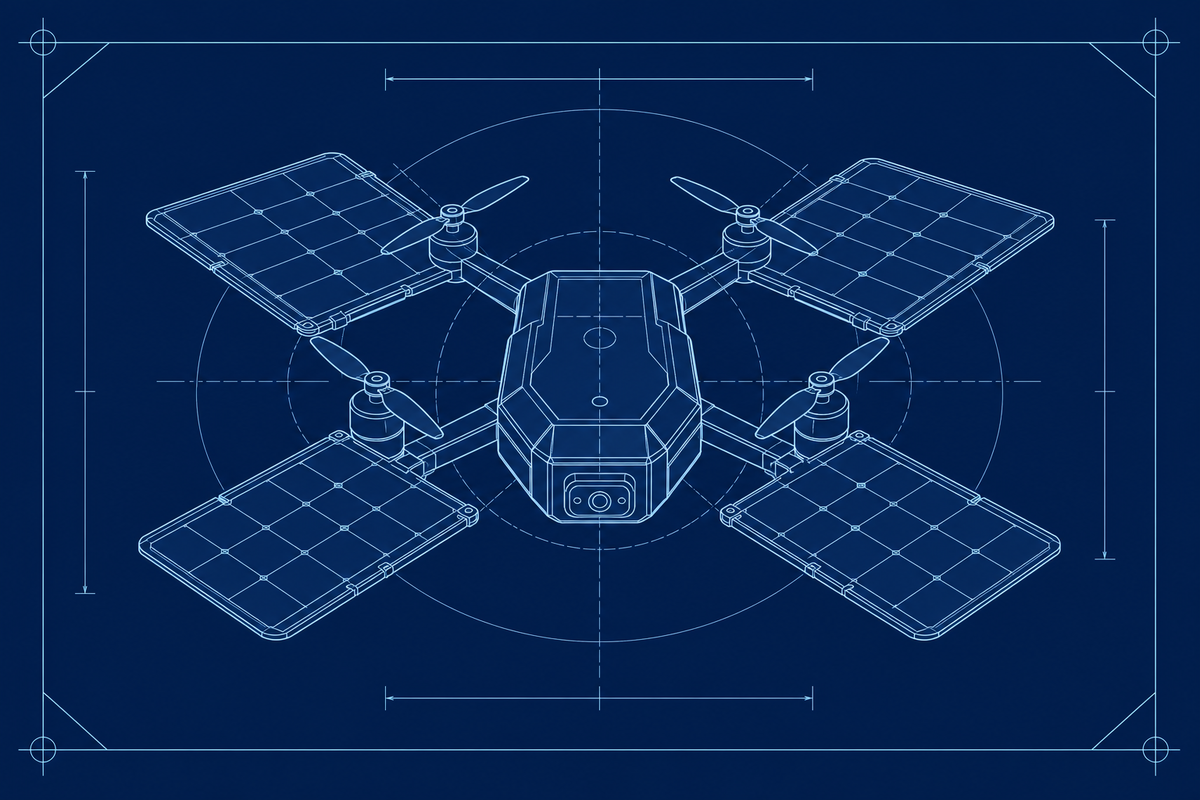
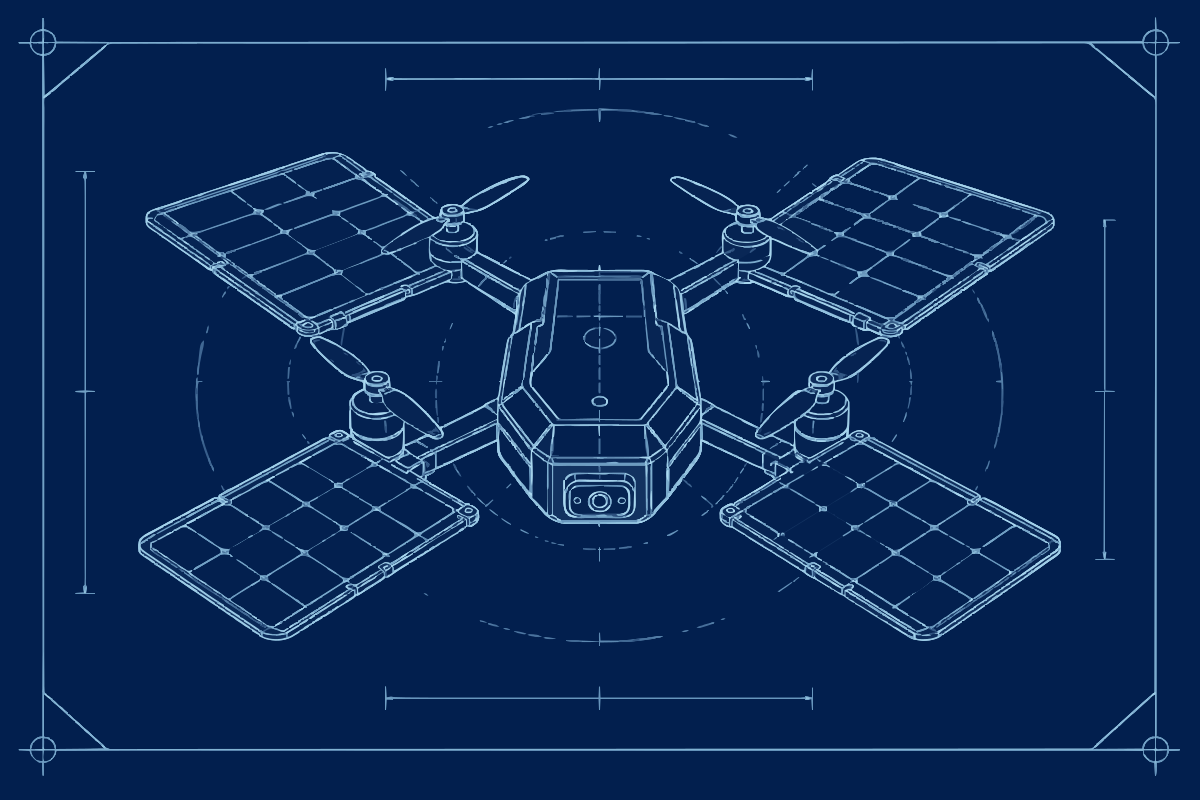
 Fine cyan construction lines test precision, symmetry, and crisp technical geometry.
Install and run
Install from npm, run the CLI immediately, or convert bytes and files from CommonJS.
npm i kurviq
npx kurviq --input in.png --output out.svgconst fs = require('node:fs');
const { convert, convertFile } = require('kurviq');
const svg = convert(fs.readFileSync('in.png'), {
mode: 'spline',
upscale: 2,
alphaMode: 'auto',
});
convertFile('in.png', 'out.svg', { preset: 'poster' });